
The address for an Ozwin sign-in
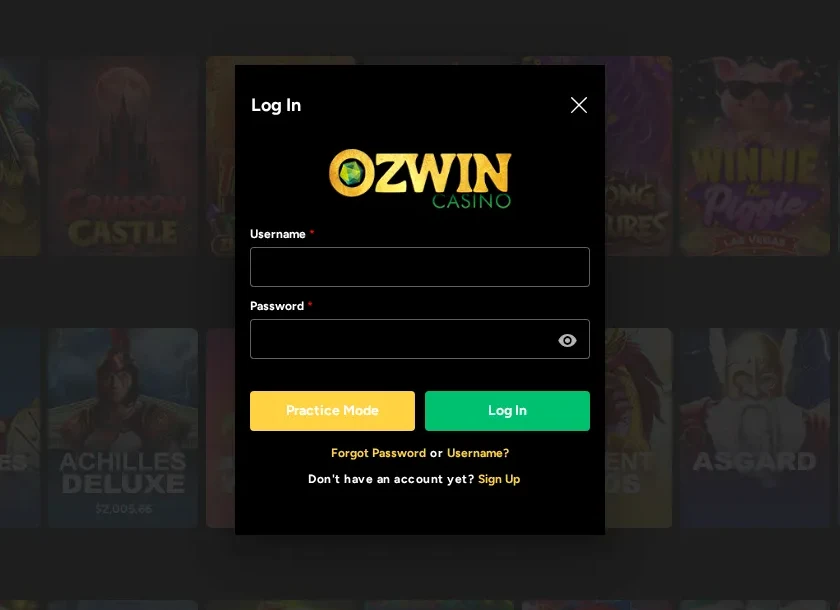
The typed start point is www.ozwincasino.com. The Log In button, and the path www.ozwincasino.com/login, open the lobby at play.ozwincasino.com/lobby with a Log In card over the games. ozwin.casino and ozwin.games redirect to the same www host. ozwinvip.com is this site; it is not the Ozwin sign-in card and cannot accept your password.
Other lookalike addresses in search results are not the cashier or the lobby described here. Bookmark the www host rather than a page that only copies the logo.
Username, password and the Log In card
- Open www.ozwincasino.com/login, or tap Log In on the Ozwin home page. The lobby loads, and the Log In card appears on top of it.
- In the Username field, type the username you chose on the Sign Up form — not the email address from that form.
- Type the password.
- Tap the Log In button.
If you do not yet have an account, the line “Don’t have an account yet? Sign Up” sits under the buttons and leads to the registration form.
If the password or username is lost
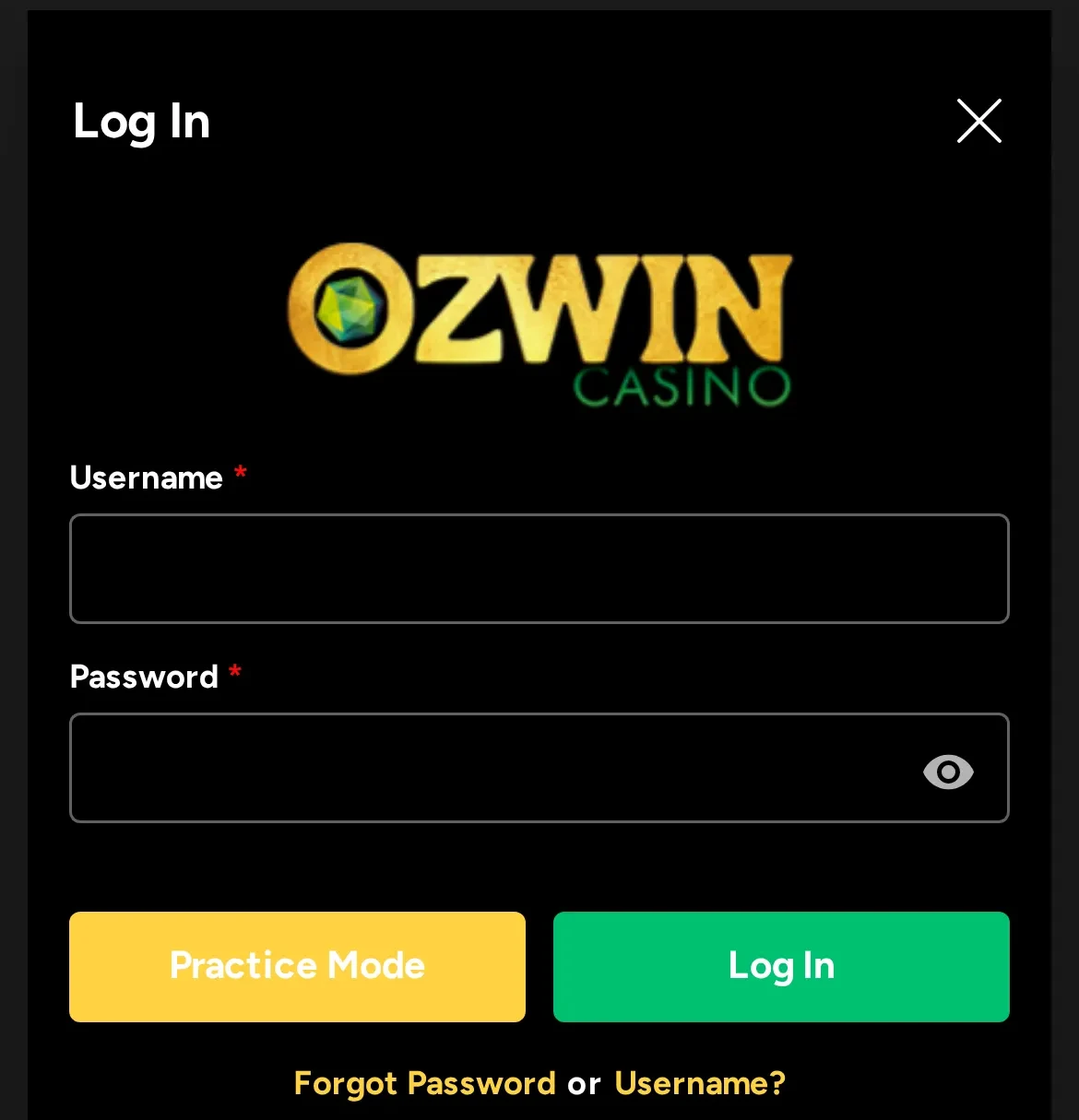
A Forgot Password or Username? link sits on the Log In card, under Practice Mode and Log In. If the link does not help, write to Ozwin support at support@ozwincasino.com or support@ozwinmail.com, or use the 24/7 LiveChat on the Ozwin site. contact@ozwinvip.com is the inbox for these pages and cannot reset an Ozwin password.
Practice Mode on the same card
A Practice Mode button sits beside Log In. It is not the same as submitting Log In with a live balance.
When the Log In card will not open
If the lobby or the card fails to load, type www.ozwincasino.com again and use the Log In button from there, or try another browser. Ozwin recommends Chrome for instant play. Clear a cached copy of a lookalike host if you landed on one from search.
If the card loads but the details are rejected, use the Forgot Password or Username? link on that card. For a held account, write to Ozwin support, not to this desk.
If sign-in details are rejected
The most common mismatch is typing the registration email into the Username field. The public card asks for the username chosen on the Account step of Sign Up, and a password of 6–20 characters from that same form. If either value was mistyped, the Forgot Password or Username? link on the card is the path to use.
Ozwin support is published as 24/7 email and LiveChat. An email reply is described as arriving in the next 24–48 hours. The brand inboxes are support@ozwincasino.com and support@ozwinmail.com. Those routes also handle a held account. contact@ozwinvip.com cannot reset a password or reopen an account.
If the lobby itself will not load, type www.ozwincasino.com and use the Log In button there, or try Chrome, which is the browser Ozwin recommends for instant play. ozwin.casino and ozwin.games redirect to the same www host.
After a successful Log In, you are in the same lobby that sits behind the card: New Games, Pokies and Slots, Xmas Pokies, Casual Games, Table Games, Video Poker, Specialty, Live Dealer and Popular. Banking, Promotions and Support are in the site menu once you are inside. The first payout from that lobby still waits on a photo ID and a recent utility bill in your name. Payment-method documents and source of funds can also be requested. A deposit that has not been turned over once can attract a 15% administration fee. Floors and windows are on payments.
If you signed up moments earlier, use the username you created on the Account step, not the email, and the 6–20 character password from that form. If you typed the email into the username field, the card will not accept it. Go back, use the username, or follow the Forgot Password or Username? link.
A mobile browser is enough. There is no Ozwin store app, and these pages do not send you to a similarly titled listing in a store. Chrome is the browser Ozwin recommends for instant play. The Log In card on a narrow screen is the same card: username, password, Practice Mode, Log In, then the Forgot and Sign Up links. Mirrors at ozwin.casino and ozwin.games redirect to www.ozwincasino.com; start from that host if a bookmarked copy of the card fails to load. ozwinvip.com will not accept an Ozwin username or password. You must be 18 or over to sign in.
Questions on Ozwin sign-in
How do I log in to Ozwin?
Open the Log In card on the lobby, type your username and password, and tap Log In. Steps are on this page.
Does Ozwin login use email or username?
The public Log In card asks for a username and a password. The email from registration is not the field on that card.
How do I reset an Ozwin password or username?
Use the Forgot Password or Username? link on the Log In card. If the link does not help, write to support@ozwincasino.com or support@ozwinmail.com, or use LiveChat. contact@ozwinvip.com cannot send an Ozwin reset.
Can I log in to Ozwin on my phone?
Yes. The same card opens in a mobile browser. Ozwin does not publish a store app.
Where the product is tight
- The card uses a username, so an email will not fill that field.
- If the Forgot link does not help, write to Ozwin support.
- There is no Ozwin store app; sign-in is in the browser.
- This desk cannot reset a password or reopen a held account.
Pause tools and help lines
Ozwin is for people aged 18 or over. Daily or monthly deposit limits are set through support. Self-exclusion runs from one week to permanent, with a review before the account can be opened again. Help lines Ozwin names are Gamblers Anonymous, Gambling Help Online and Gambling Therapy. A longer note is on Pause tools and help lines.